
How To Close DBS/POSB Deposit Account
This guide shows you how to close a DBS/POSB savings or current account through internet banking.
The service is available daily from 7:00am to 10:00pm, and from 7:00am to 8:00pm on the last working day of the month.
Advertisement
How To Close DBS/POSB Deposit Account via iBanking
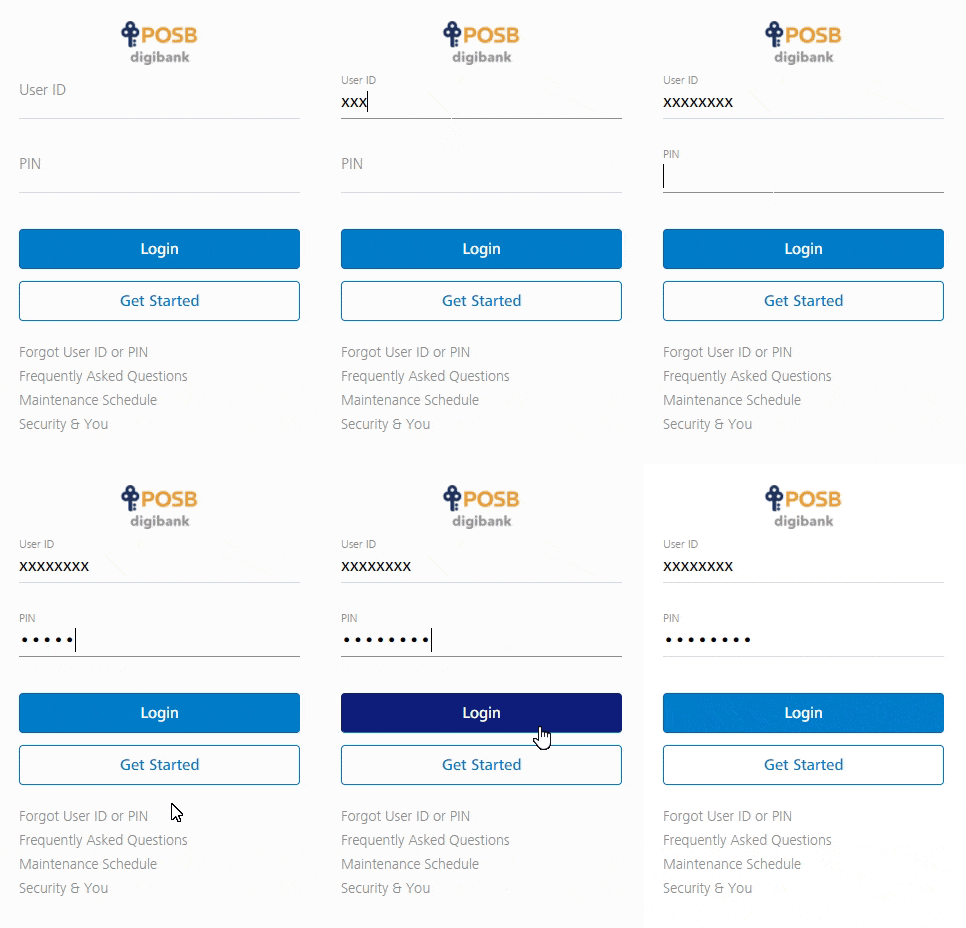
Login To iBanking
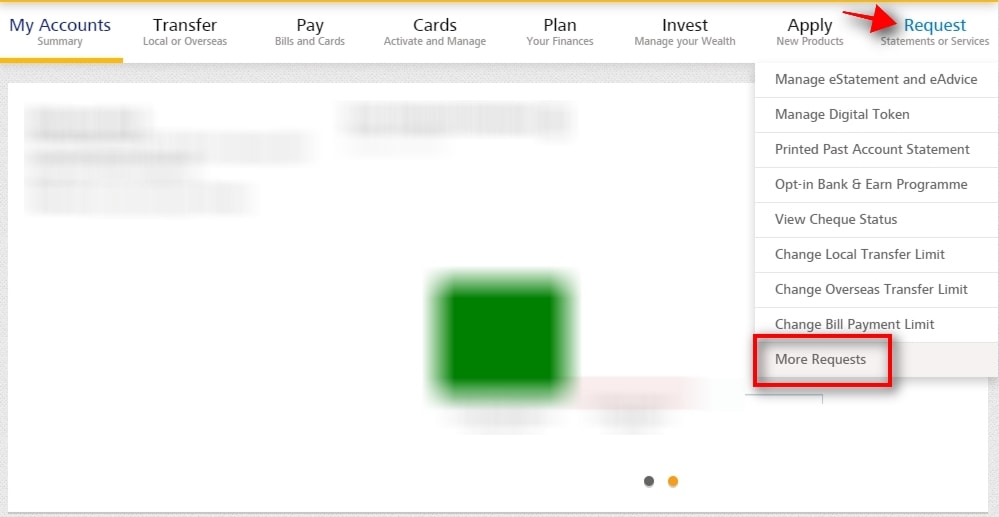
Click on “More Requests”
- Go to Request, select More Requests
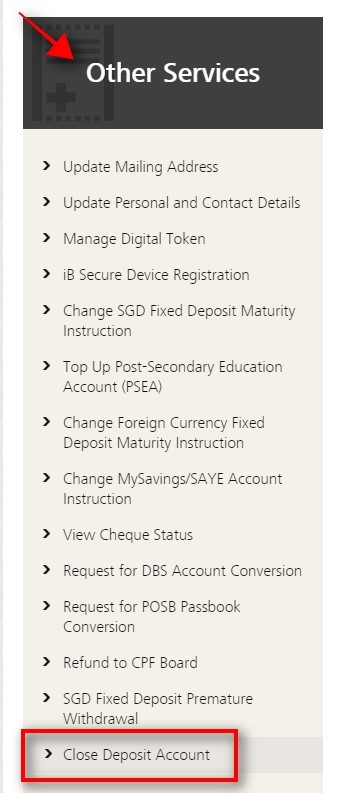
Click on “Close Deposit Account”
- Go to Other Services, select Close Deposit Account
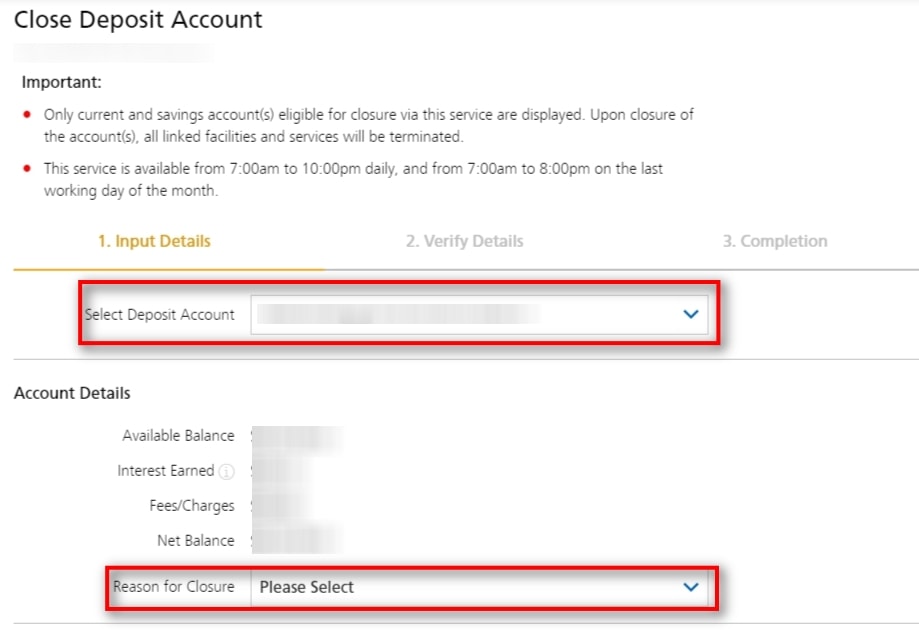
Select Deposit Account To Close
- Select the Deposit Account to close
- Select the Reason for Closure
- Click Next
Important
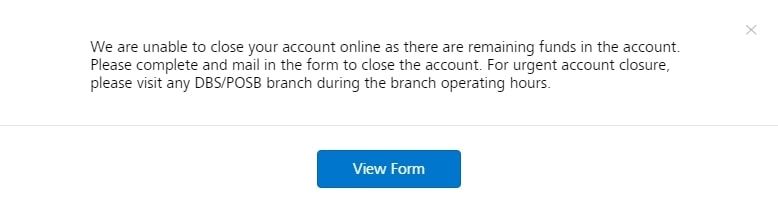
If you still have funds in your account, you cannot close it. You will need to transfer out any remaining funds in order to proceed.
Note: All linked facilities and services such as ATM cards and debit cards will be terminated along with the closure of the account!
Read More: Best Savings Account